Core Tools
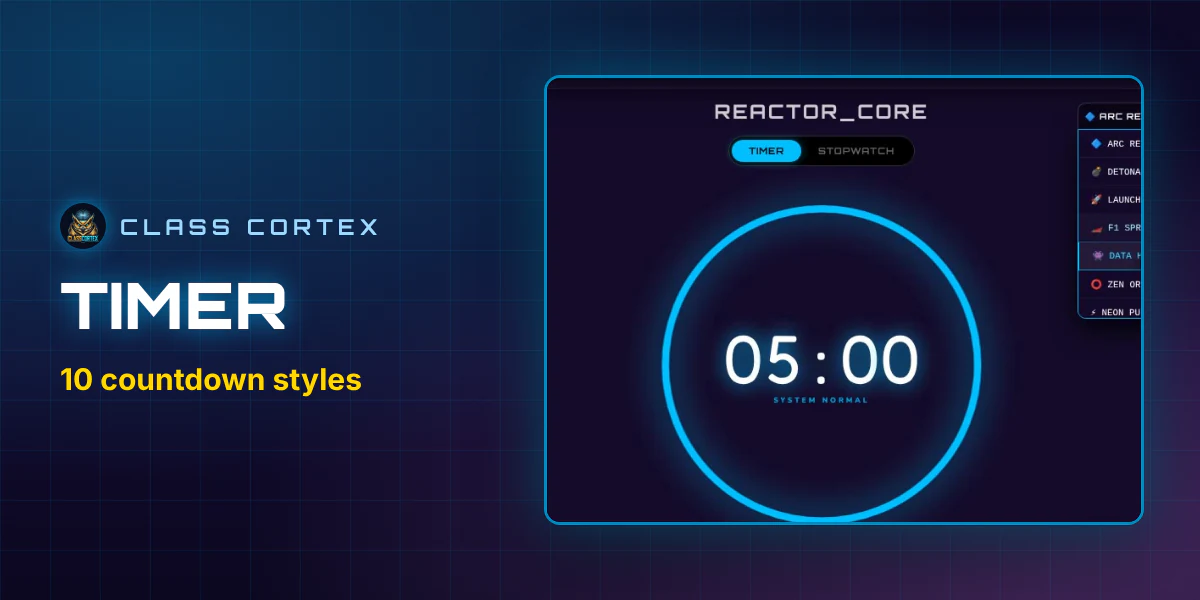
Timer
Set up countdowns, presets, and full-screen display - and how the Timer ties into class pacing without breaking the gamification flow.
Every Class Cortex system, explained. How each one works, how to run it in your classroom, and how it feeds the XP economy.
Set up countdowns, presets, and full-screen display - and how the Timer ties into class pacing without breaking the gamification flow.
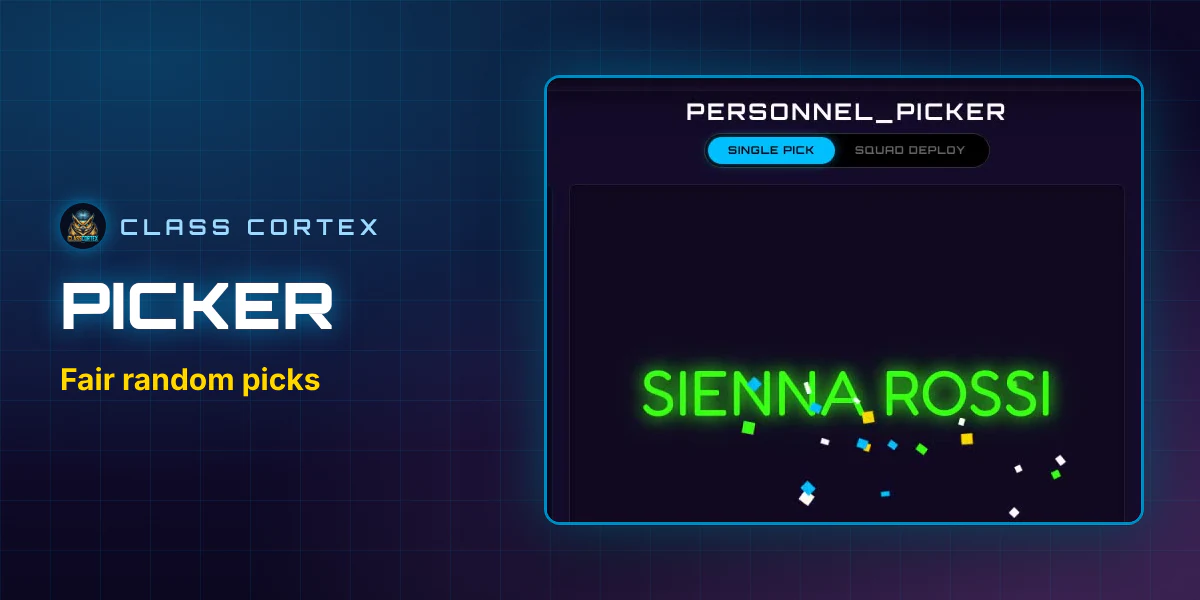
Cold-call fairly, avoid repeats, and use Picker Exempt for anxious students - without anyone else noticing they're excluded.
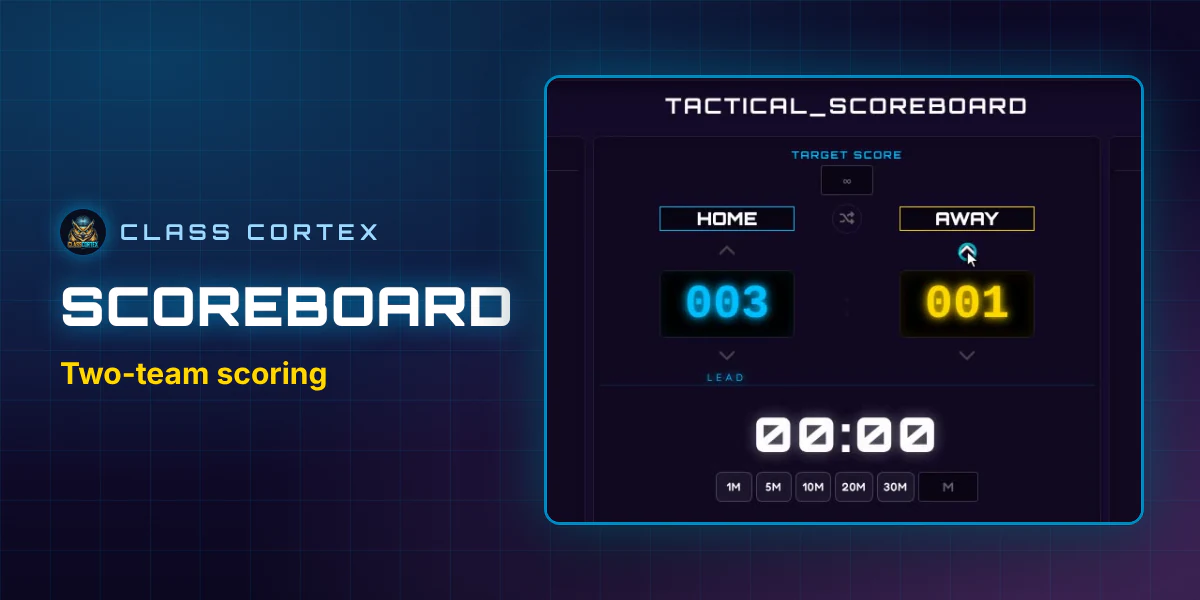
The XP and HP display that runs every lesson - how to award, deduct, and read it at a glance while you teach.
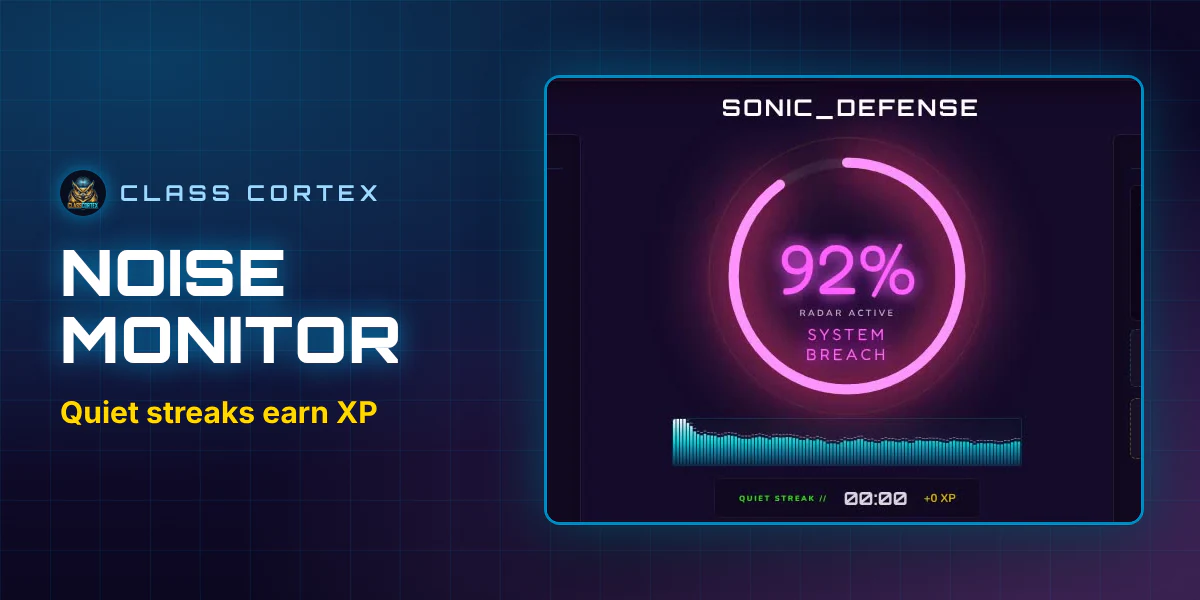
Calibrate the Sonic Defence Engine, understand the Quiet Streak, and see what Noise Auto-Penalty adds on Pro.
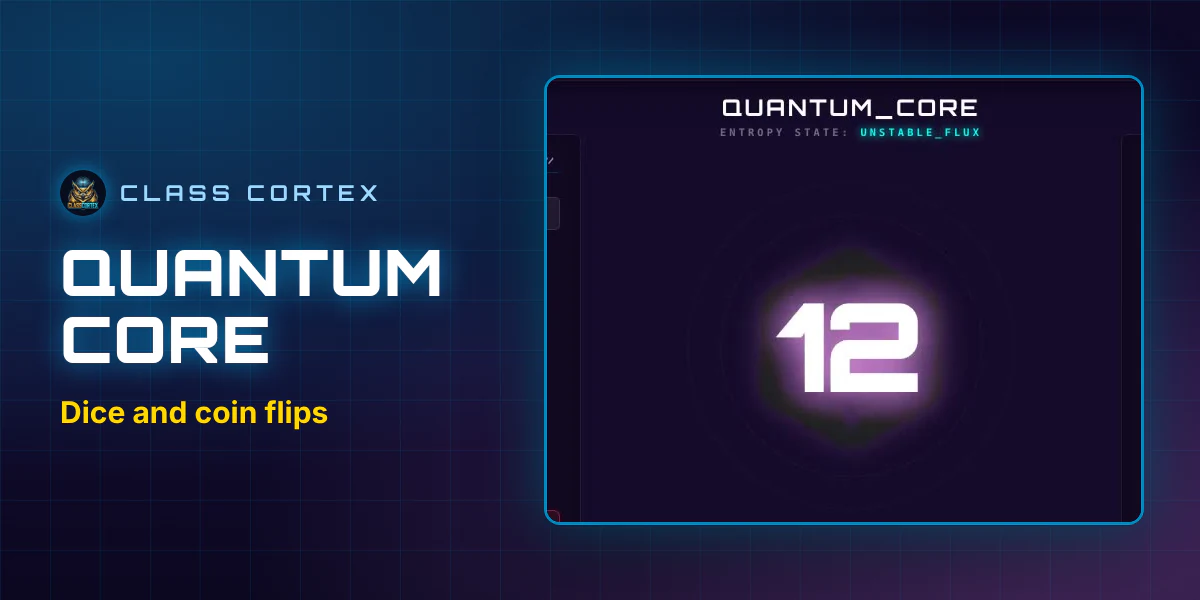
The probability wheel and dice roller - custom odds, D6/D20 rolls, and quick ways to fold randomness into a lesson.
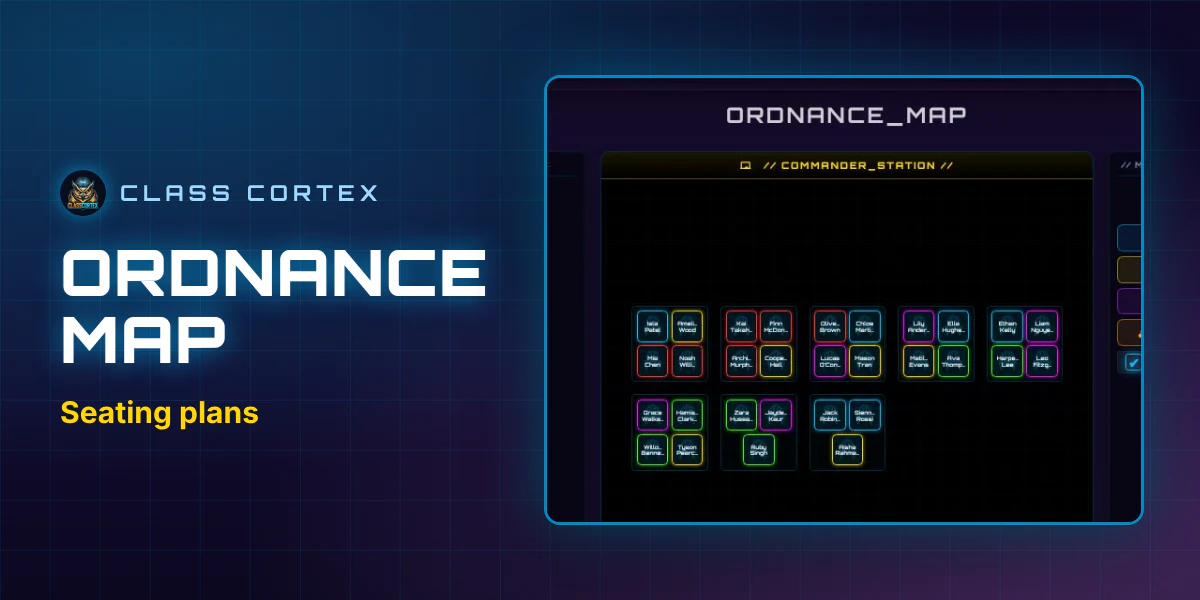
Build your seating chart, set avoid-pairs, use Tactical Shuffle, and export a presentation-ready layout.
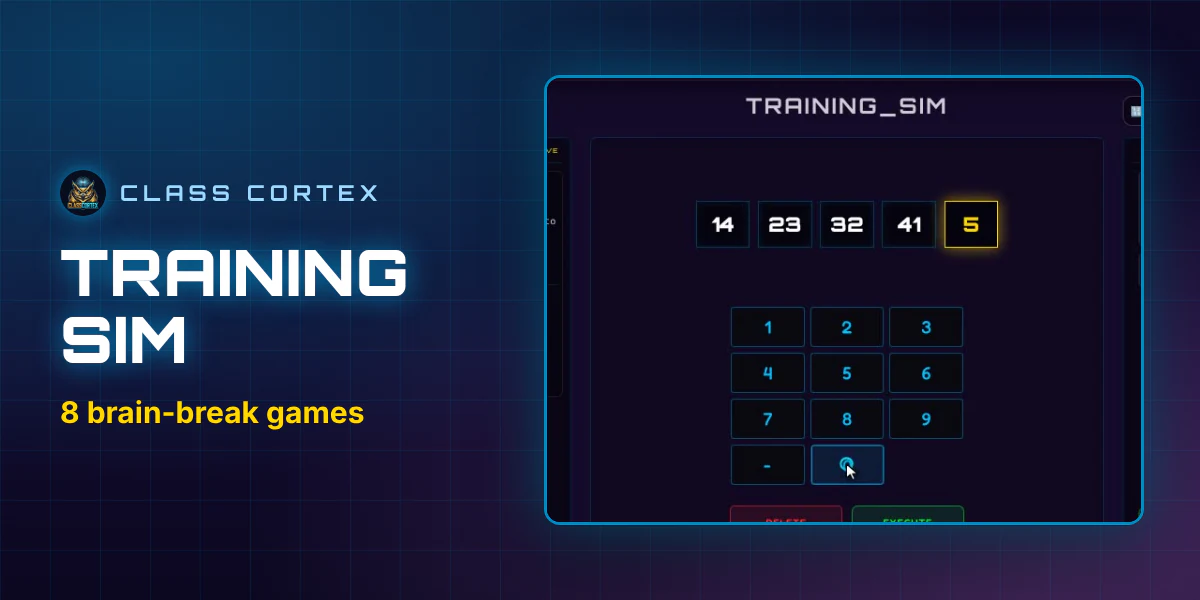
All 8 built-in mini-games explained, and how each one feeds XP back into the class scoreboard automatically.
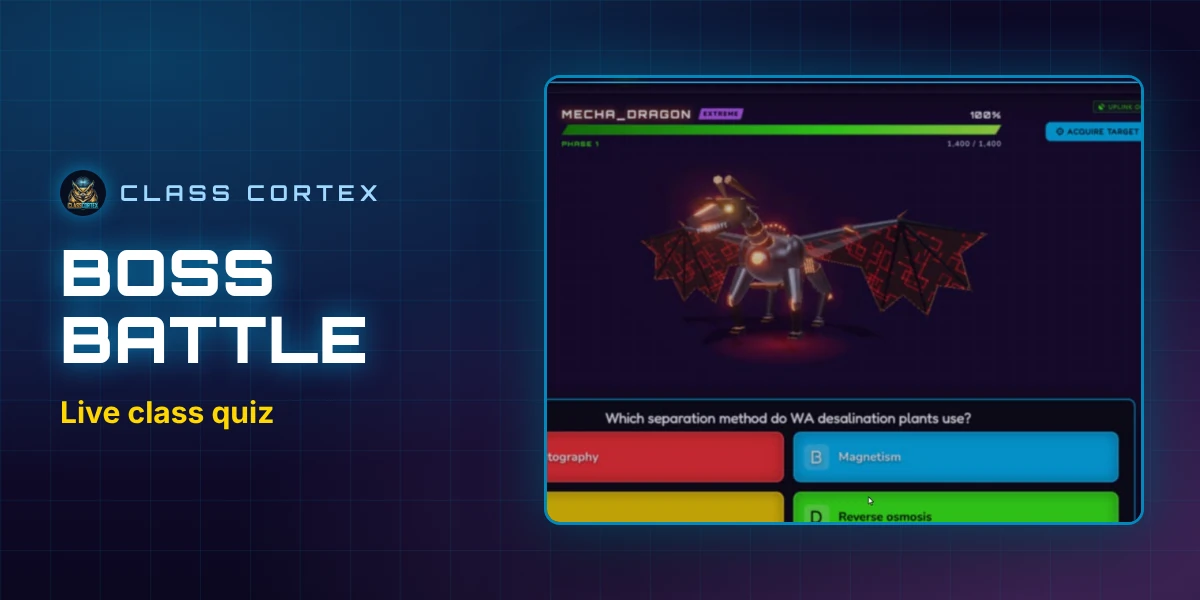
Run a live multiplayer Boss Battle end to end - QR join, Attacker/Defender/Support roles, and HP damage.
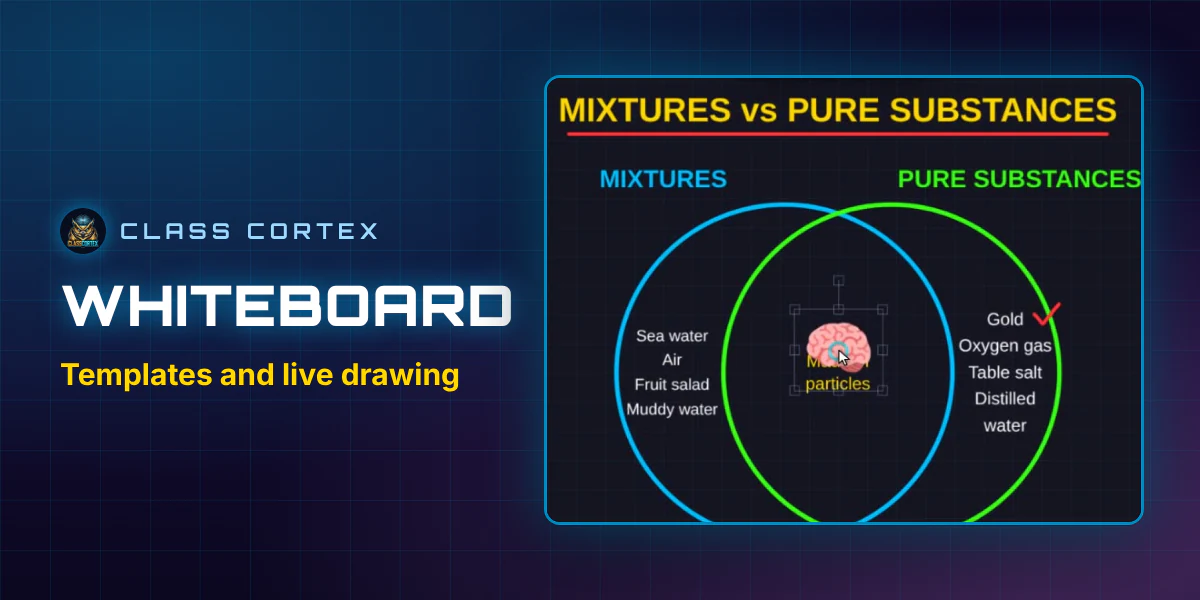
The tactical whiteboard, ready-made templates, and how live whole-class collaboration works on Pro.
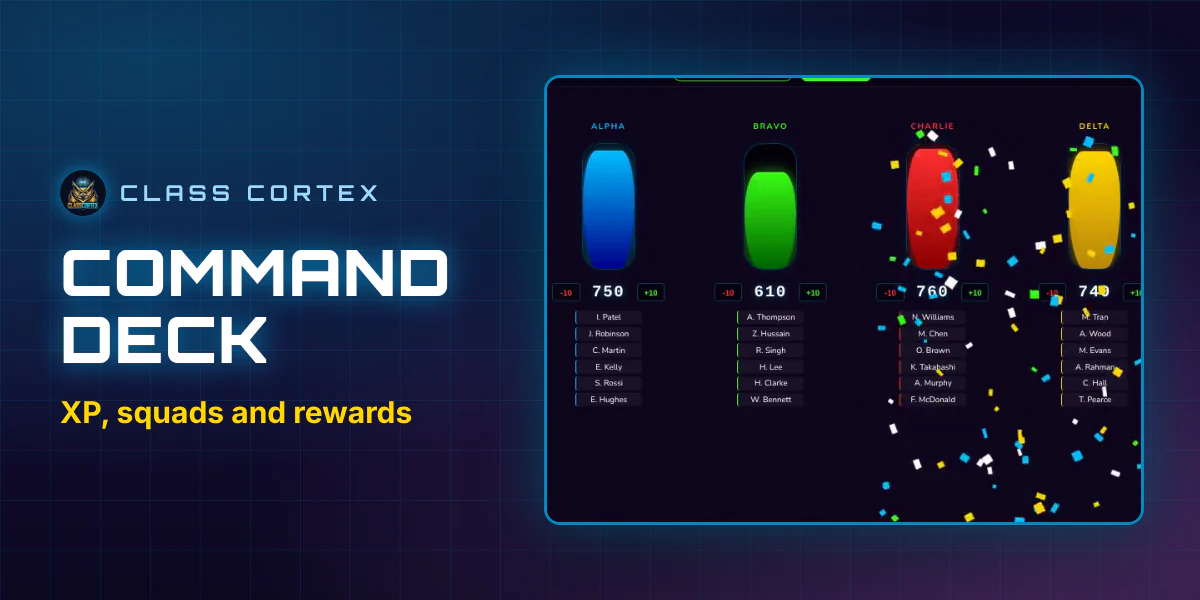
Squads, weekly goals, the Airdrop crate, and the Neural Core Economy - the whole XP system in one place.
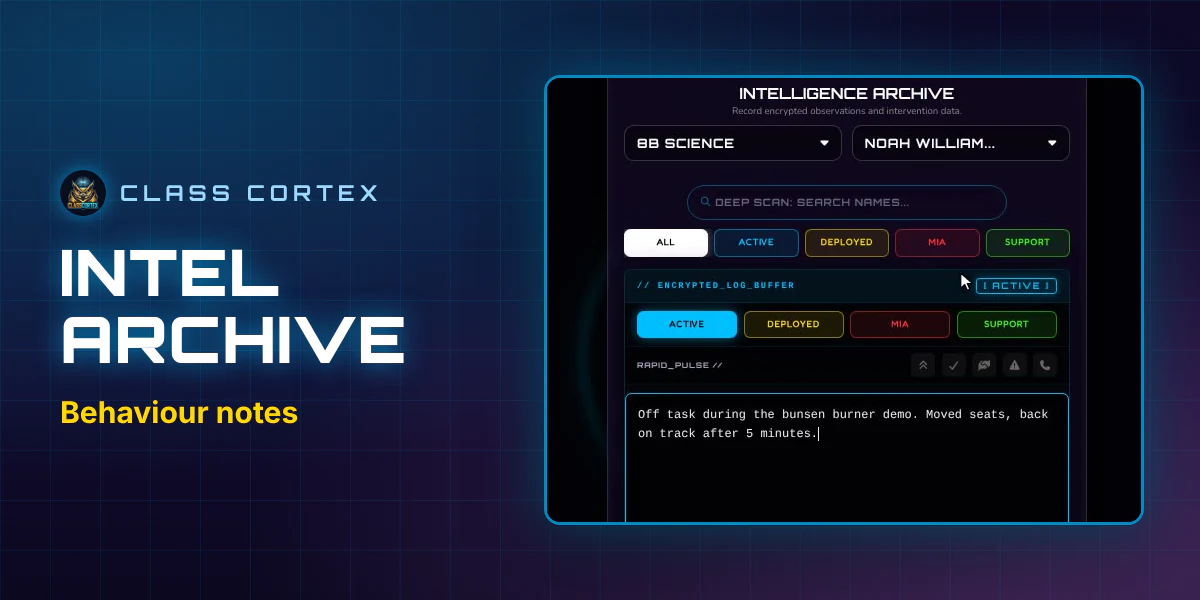
System settings, data backups, resets, and the other admin controls tucked into Intel Archive.
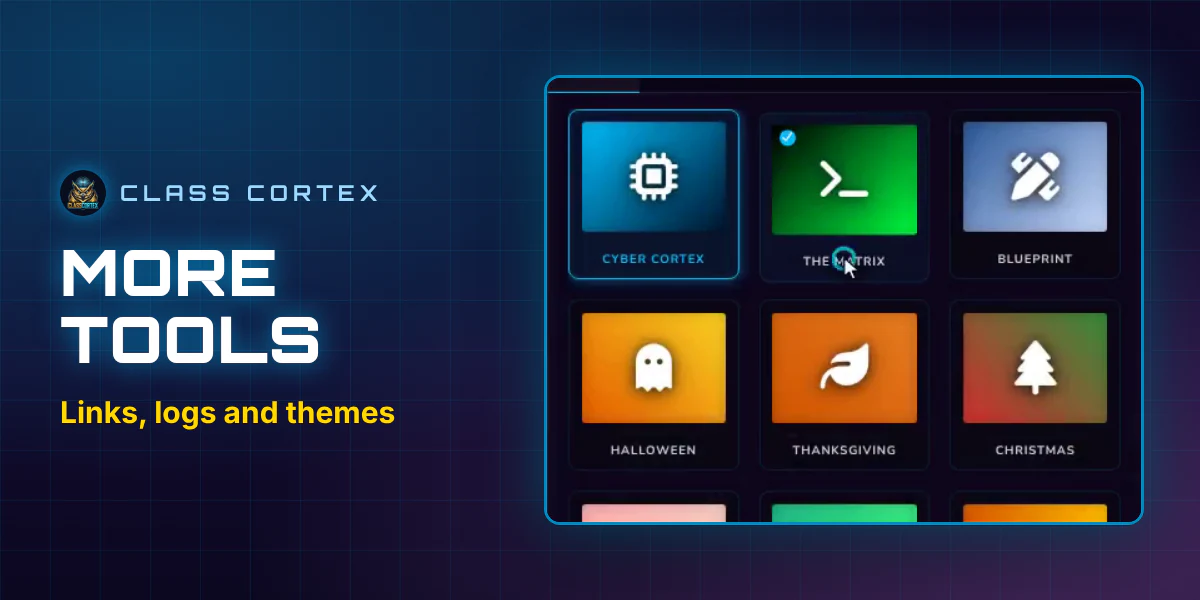
Broadcast Deck, Mission Log, Mission Briefing, Warp Drive, and Themes - the small tools that speed up lesson flow.
Everything in this manual - live in your browser. Free. No student accounts. No install.
Launch Class Cortex